Free vs paid tickets
How free and paid tickets differ at checkout, in fees, and in booking state - and how zero-total orders behave.
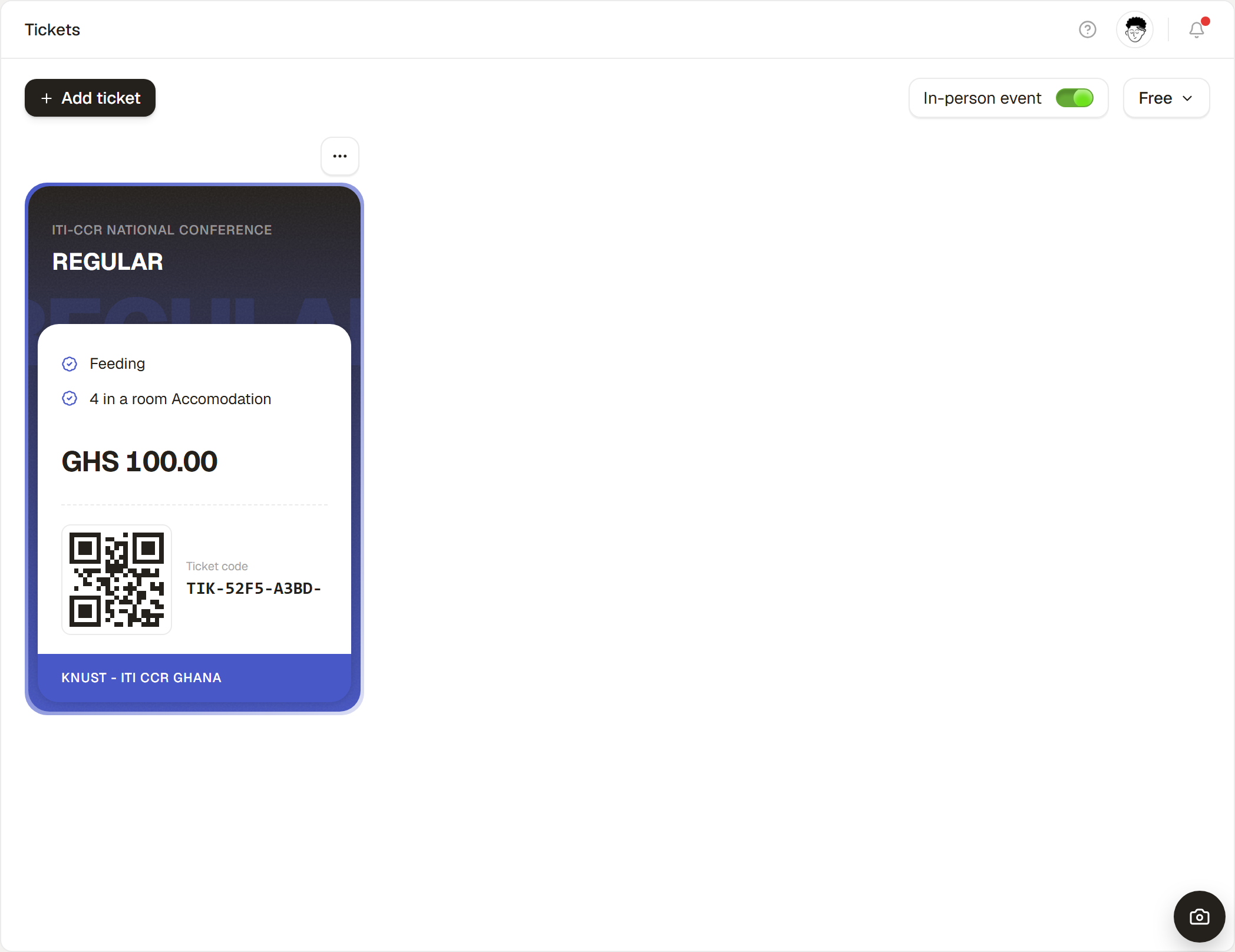
Whether a ticket is free or paid changes the entire booking path: free bookings confirm synchronously, while paid bookings take a detour through the payment provider and only confirm on success. Understanding this is the key to reasoning about pending bookings, capacity, and when emails go out.
Side by side
| Free ticket | Paid ticket | |
|---|---|---|
| Price | 0 | Greater than 0 |
| Transaction fee | None | 5% of the ticket total |
| Payment provider | Not required | Required (Paystack or Hubtel) |
| Booking state at checkout | Confirmed immediately | Created as pending, then sent to pay |
| Confirmation + QR | Sent immediately | Sent once payment succeeds |
| Counts toward capacity | Yes | Yes - even while pending |
The zero-total rule
What matters at checkout is the order total, not the ticket's nominal price. Any booking that totals 0 is treated as free and confirms instantly - no payment step. That happens for a genuinely free ticket, and when a promo code discounts a paid order down to zero (e.g. a 100% code).
Mixing free and paid
A single event can offer both. If an order contains any paid tickets and totals more than zero, it goes through payment as a whole; if the total lands at zero, it confirms instantly.