Capacity, dates & sales cut-off
Cap total attendees, set start/end dates, auto-close sales, and add a cover image - the event-details settings.
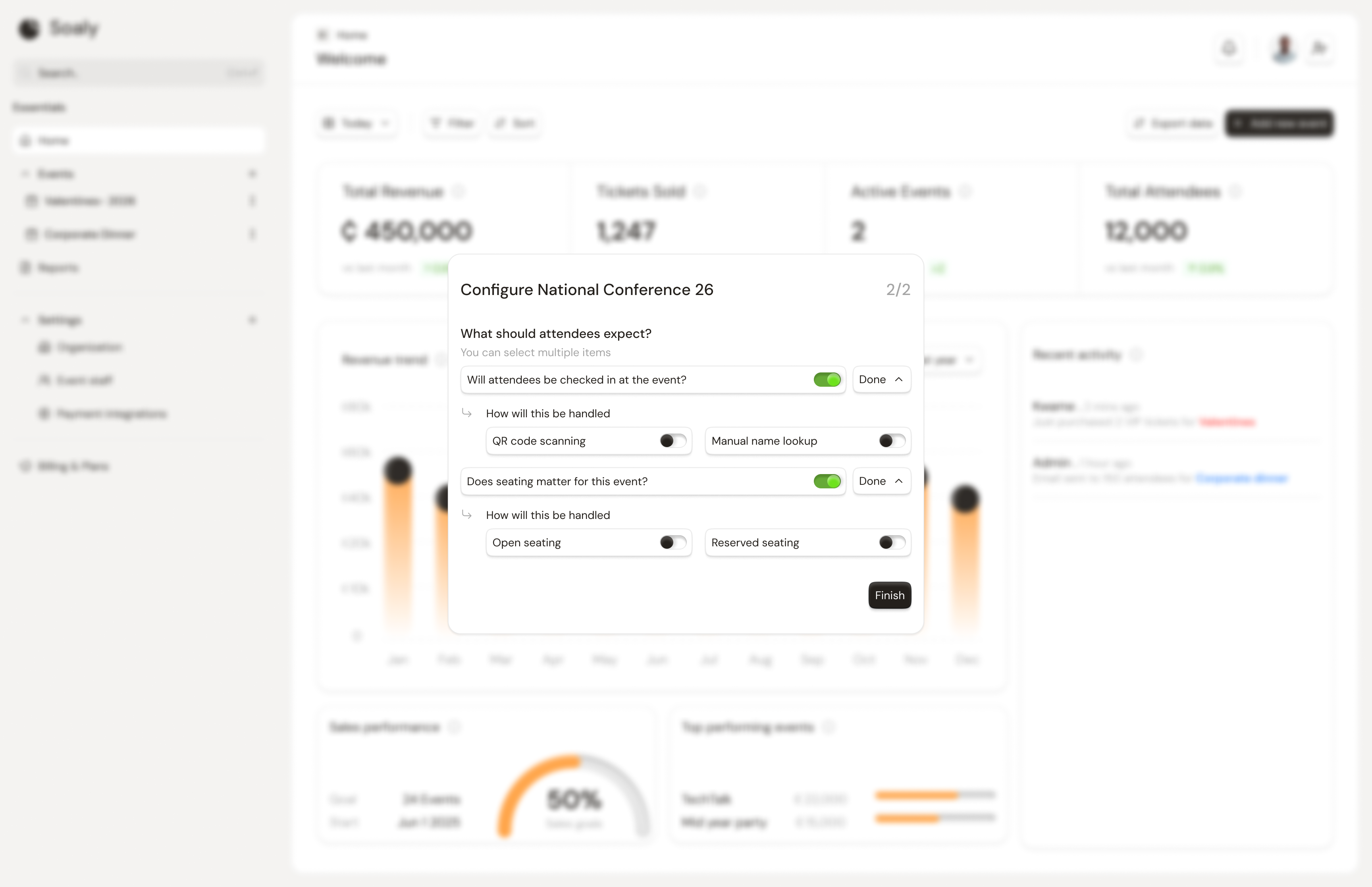
These four settings live in the event details area of the Configure tab (a separate save from the access/ticket-type settings). They govern how many people can register, when, and how the booking page looks.
Capacity
Capacity caps how many people can register across all tickets. It counts heads, not orders - it sums the quantity of every booking - and pending (unpaid, in-flight) bookings count toward it, so you never oversell while a payment is processing. Leave it blank for no overall cap.
Dates
Set a start date (and an optional end date) so the booking page shows attendees when the event runs. Dates are display/context - they don't by themselves stop sales. To stop sales at a time, use the sales cut-off below.
Sales cut-off
Set a sales close time (sales_close_at) and Soaly stops accepting bookings the moment it passes - no manual unpublish needed. The booking page switches to a clear Sales closed state and turns away new bookings.
A booking is refused when ANY of these is true:
  • event status is not 'published'
  • now() is past sales_close_at
  • requested quantity exceeds the ticket's remaining limit
  • requested quantity exceeds the event's remaining capacity
Cover image
Upload a cover image to make the booking page stand out. Accepted formats and limit:
| Formats | Max size |
|---|---|
| JPG, PNG, WebP | 4 MB |
Pitfalls
- Capacity counts heads, not bookings. A single booking for a 5-person table consumes 5 of your capacity.
- Pending counts too. A high pending count can make an event look "full" until those payments succeed or expire.
- A start date is not a cut-off. Sales continue past the start date unless you set a sales-close time.