Configuring your event
Every setting on the Configure tab - access, ticket type, location/meeting, check-in, and seating.
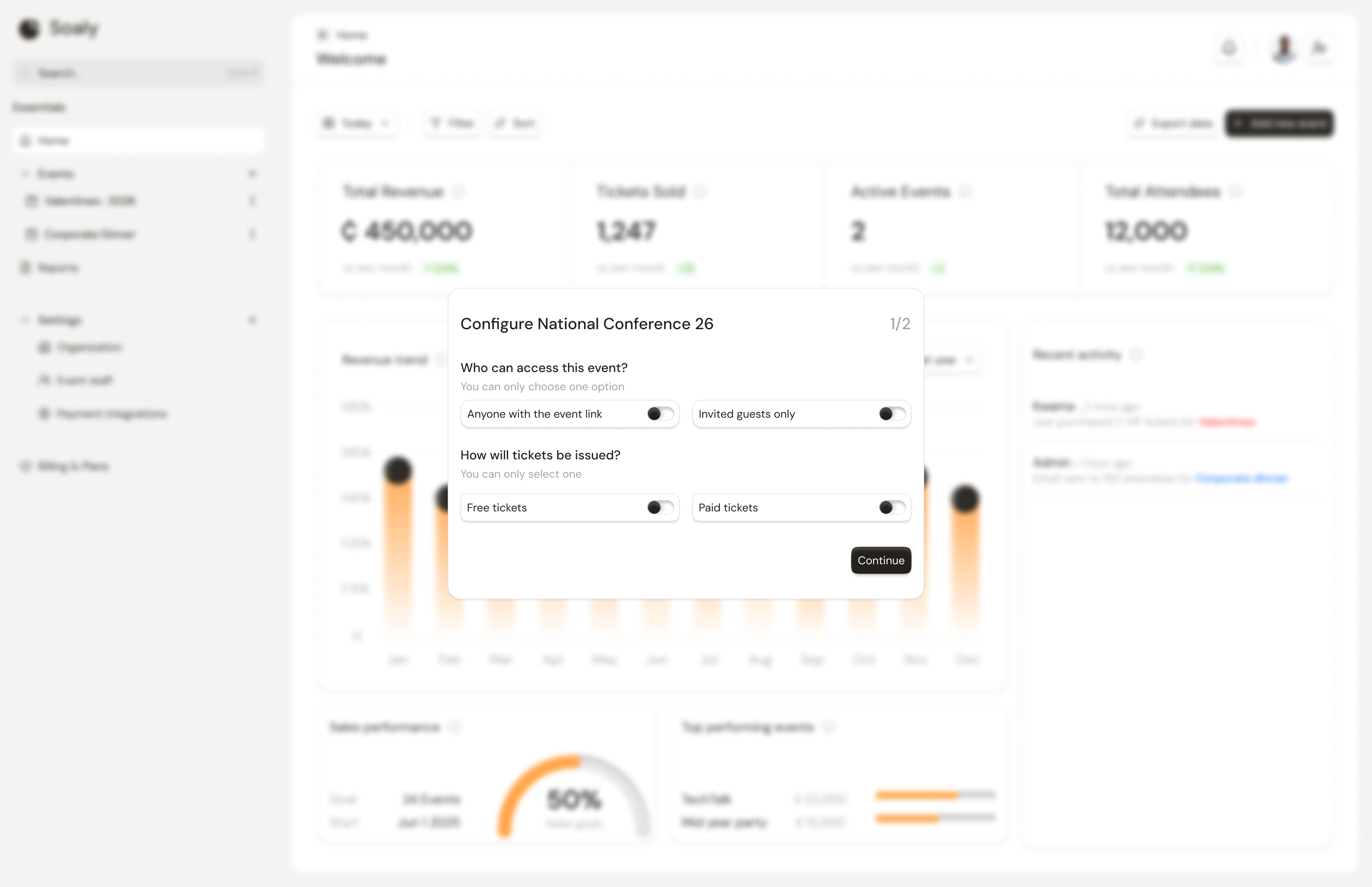
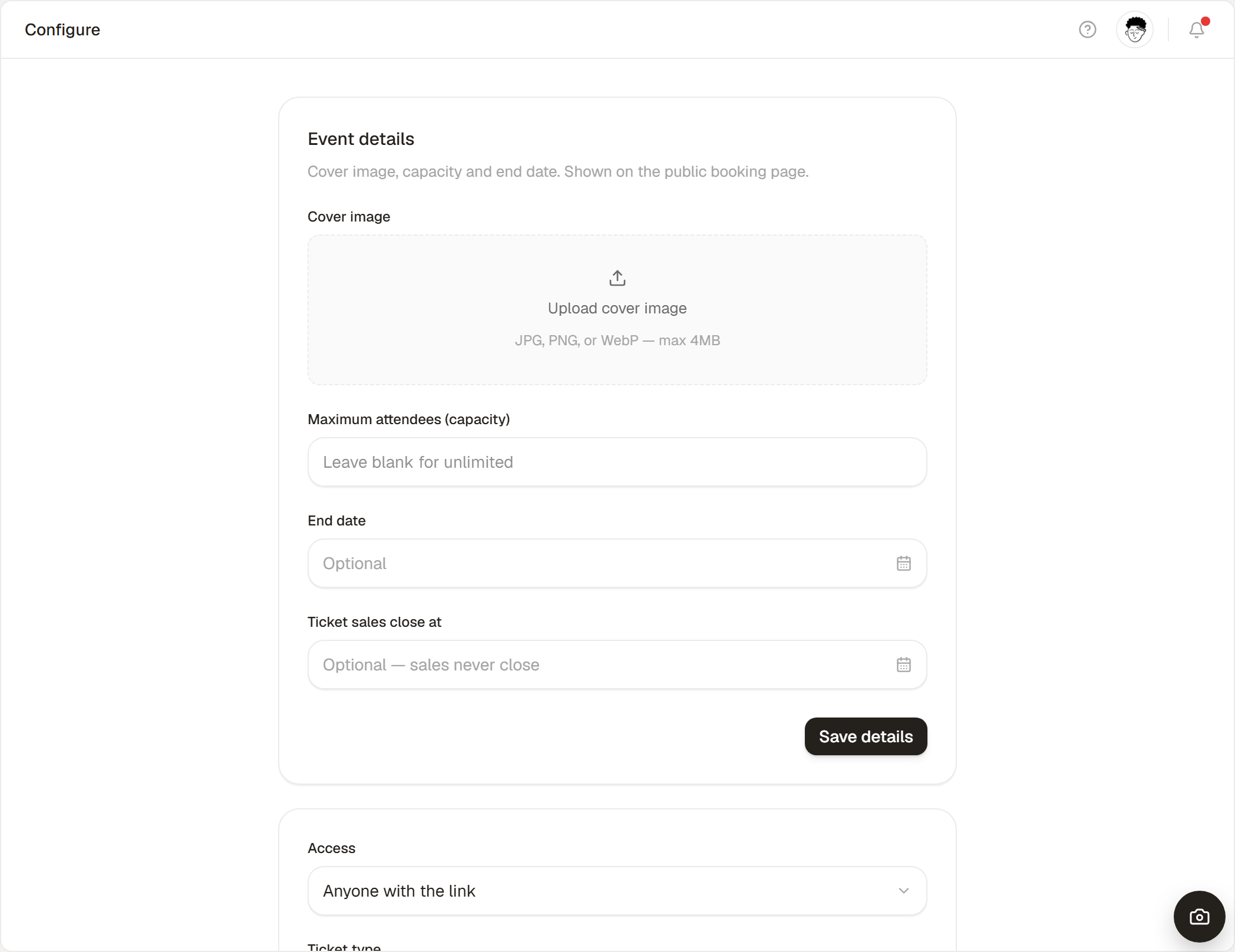
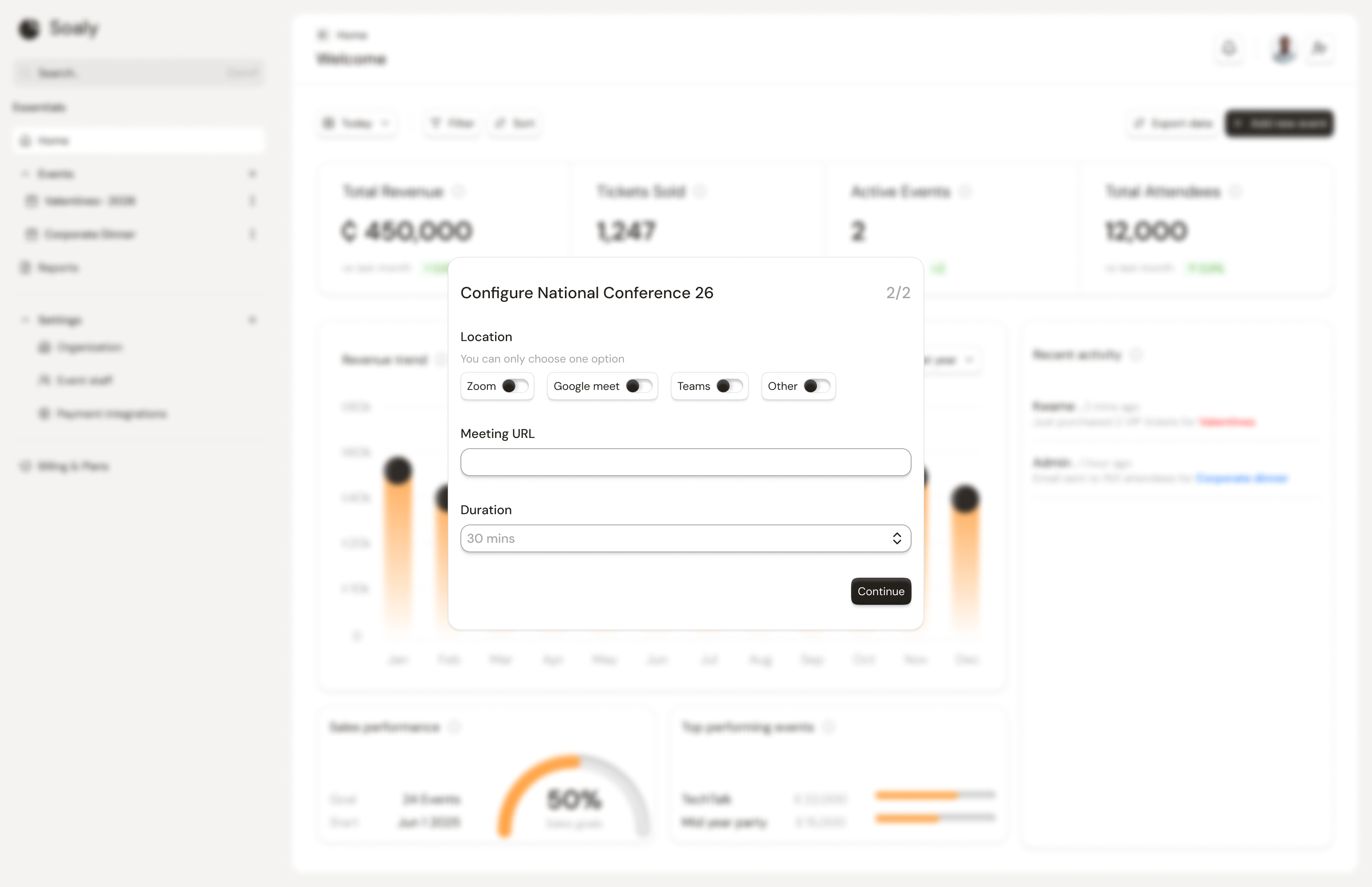
The Configure tab is the control panel for how an event behaves. It has two independent save areas: the event settings (access, ticket type, location, check-in, seating) and the event details (cover image, capacity, dates) - each saves on its own, so changing one won't discard unsaved edits in the other. The fields shown adapt to whether the event is in-person or online.
Access
Controls who can reach the booking page.
| Value | Behavior |
|---|---|
| Anyone | The booking page is open to anyone with the link (stored as anyone). |
| Invited only | Restricted access for private events (stored as invited). |
Ticket type
Choose Free or Paid for the event as a whole. A paid event requires a connected payment provider before it can be published - Soaly blocks publishing otherwise. A free event needs no provider.
Location or meeting link
- In-person - set the venue address. (Stored on the event and shown on the booking page.)
- Online - set the meeting platform and meeting URL so attendees know where to join.
Check-in
Toggle Enable check-in to admit attendees on the day. When on, each confirmed booking gets a scannable QR code and the event's Check-in tab becomes active. See Checking attendees in.
Seating
Toggle Enable seating, then choose a seating type:
| Seating type | What it does |
|---|---|
| Open seating | No assigned places; optionally show attendees a note (stored as open). |
| Reserved seating | Assign attendees to tables, sections, or seats (stored as reserved). |
Full details in Setting up seating.
Setting reference
| Setting | Options | Applies to |
|---|---|---|
| Access | anyone / invited | All events |
| Ticket type | free / paid | All events |
| Venue | Free text address | In-person |
| Meeting platform + URL | Free text | Online |
| Check-in | On / off | All events |
| Seating | Off / open / reserved | All events |