Messaging your attendees
Send update notes to ticket-holders, resend a lost ticket, and understand Soaly's automatic emails.
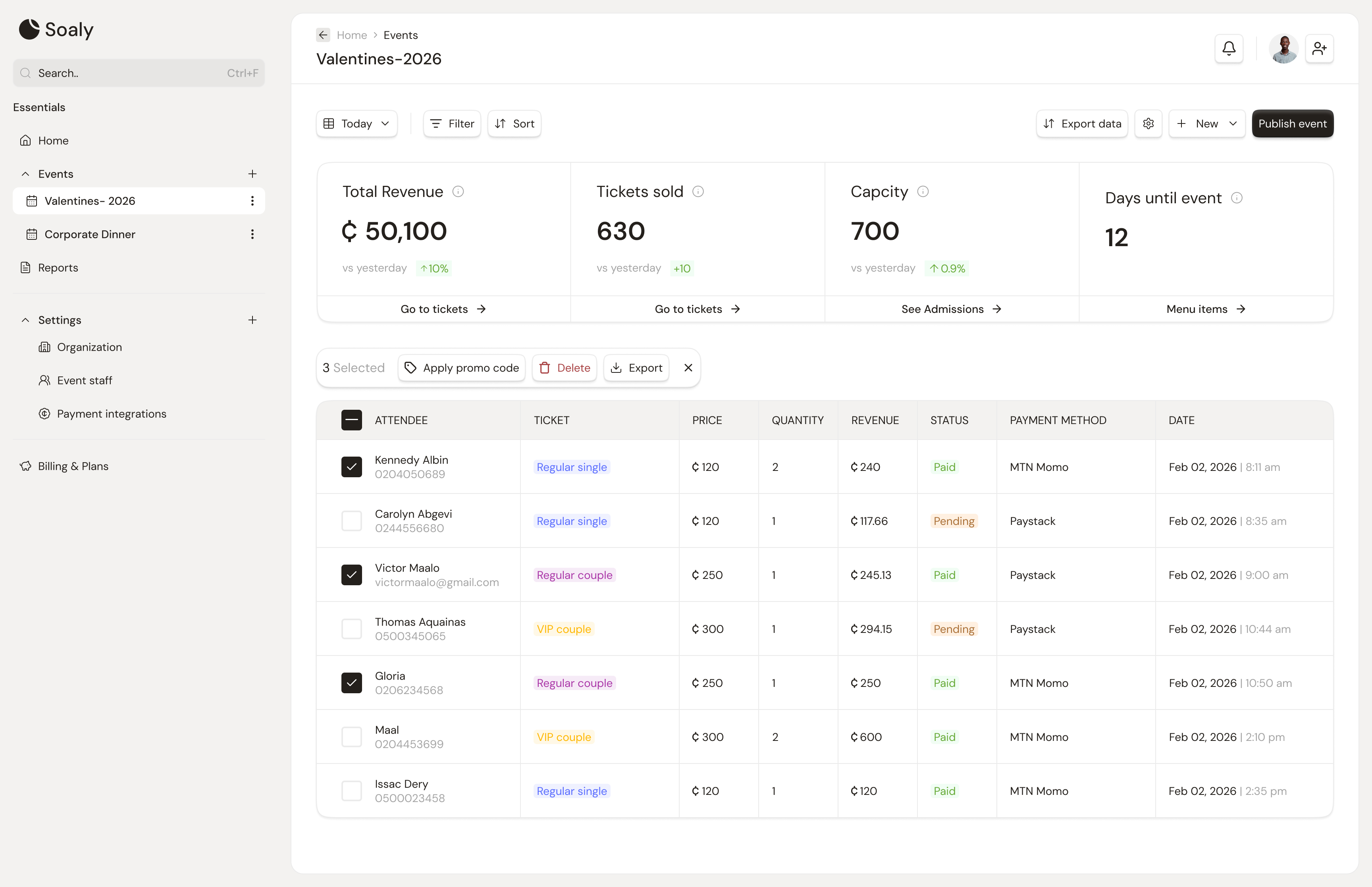
Soaly gives you three ways to reach attendees by email: a broadcast update to everyone, a one-off resend of a single ticket, and the automatic transactional emails it sends on its own. All of them respect your email branding on Pro.
Notify attendees of an update
When something changes - a new date, a moved venue, parking instructions - open the event Dashboard and send an update note. Every ticket-holder with an email is messaged (de-duplicated by address). This is purely informational: it does not change the event's status, cancel anything, or reissue tickets.
Resend a ticket
From the event's bookings list, resend the confirmation email and ticket (with its QR code) to any confirmed attendee in one click - ideal when someone can't find their original email or changed inboxes. The QR code is unchanged, so a previously-issued ticket still scans.
Automatic emails
Soaly sends these on its own - you don't trigger them:
| Trigger | Email sent to | Contains |
|---|---|---|
| Booking confirmed | The attendee | Confirmation + ticket + QR (+ receipt if paid) |
| You cancel a booking | That attendee | Cancellation notice |
| You cancel the event | All ticket-holders | Cancellation notice (+ optional reason) |
Delivery & limits
- Bulk sends (update / cancel) are best-effort - a single failed address never blocks the rest.
- Recipients are de-duplicated by email, so one person with multiple bookings is emailed once.
- Only bookings with a contactable email are included.