Event statuses & lifecycle
The four event statuses, the exact transitions between them, and their side effects.
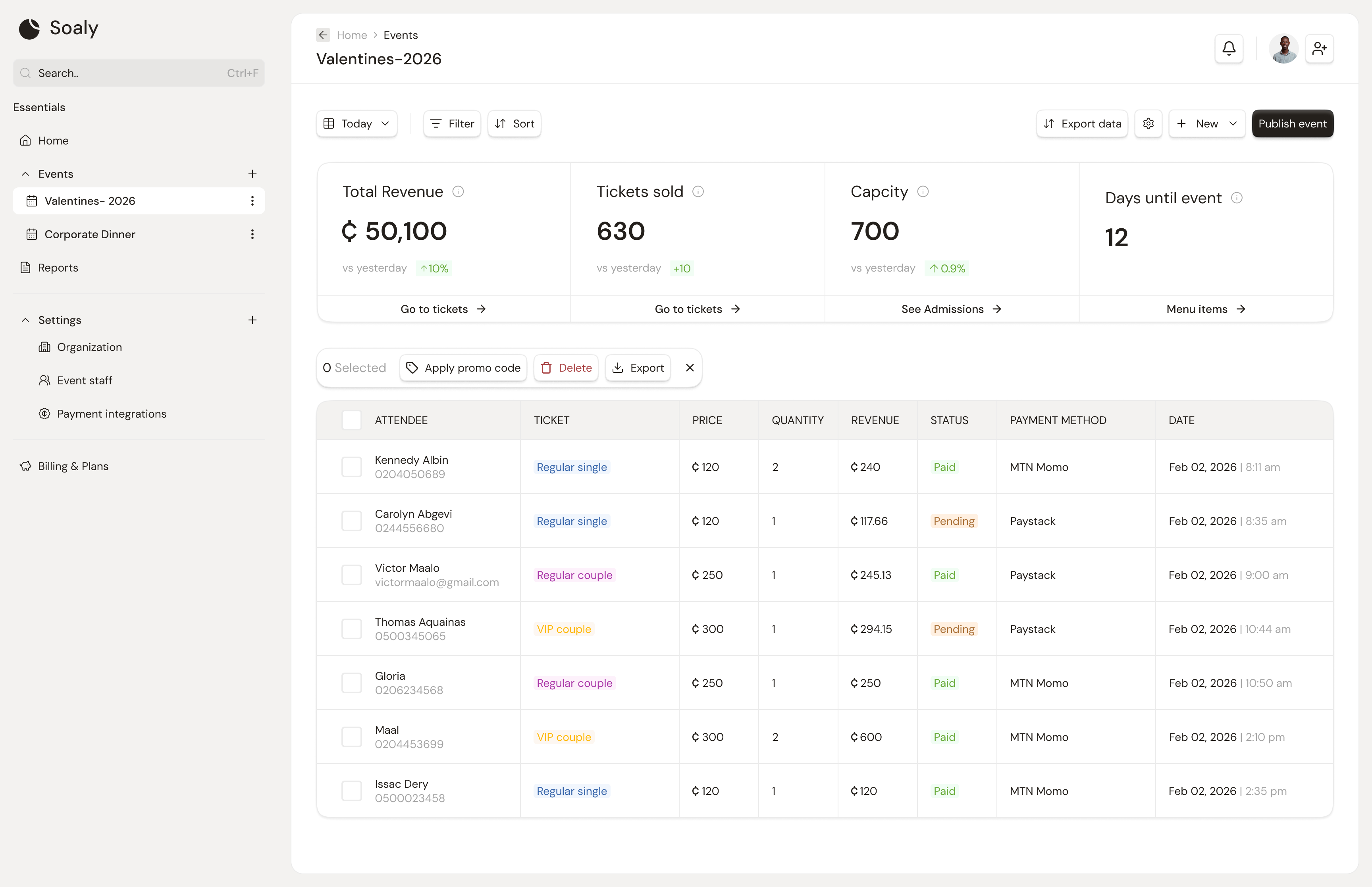
Every event is in exactly one status at a time. The status is the single source of truth for two things: whether the public booking page is reachable, and whether bookings are accepted. Think of it as a small state machine you drive from the event's Dashboard tab.
The four statuses
| Status | Public page | Accepting bookings | Meaning |
|---|---|---|---|
| Draft | Hidden | No | Work-in-progress; only your team can see it. |
| Published | Live | Yes | Live on its booking page and selling. |
| Completed | Hidden | No | The event has happened; kept for records and reports. |
| Cancelled | Hidden | No | Called off; ticket-holders were emailed. |
Transitions
All transitions are driven from the event Dashboard. Each has a defined side effect:
| Action | From → To | Side effect |
|---|---|---|
| Publish | Draft → Published | Validates tickets + (paid) a connected provider; notifies your team the event is live |
| Unpublish | Published → Draft | Stops new bookings immediately; existing bookings are untouched |
| Cancel | Any → Cancelled | Emails every ticket-holder (optional reason); does NOT auto-refund |
| Complete | Any → Completed | Marks the event done; it still appears in reports |
Pitfalls
- Unpublishing ≠ cancelling. Unpublish quietly pauses sales and is fully reversible (republish anytime). Cancel is a public statement that emails attendees.
- Cancelling doesn't refund. It only changes status and notifies - issue refunds per booking. See Refunds & cancellations.
- Completing keeps the data. Completed events stay in financial reports; use it to tidy a finished event without losing its numbers.
Deleting an event is permanent and removes its tickets, bookings, and check-in data - it is not a status. If you only want to stop selling, unpublish or cancel instead.