Financial reports
Per-event revenue, fees, refunds, and attendance - a PDF-ready breakdown for you or your accountant.
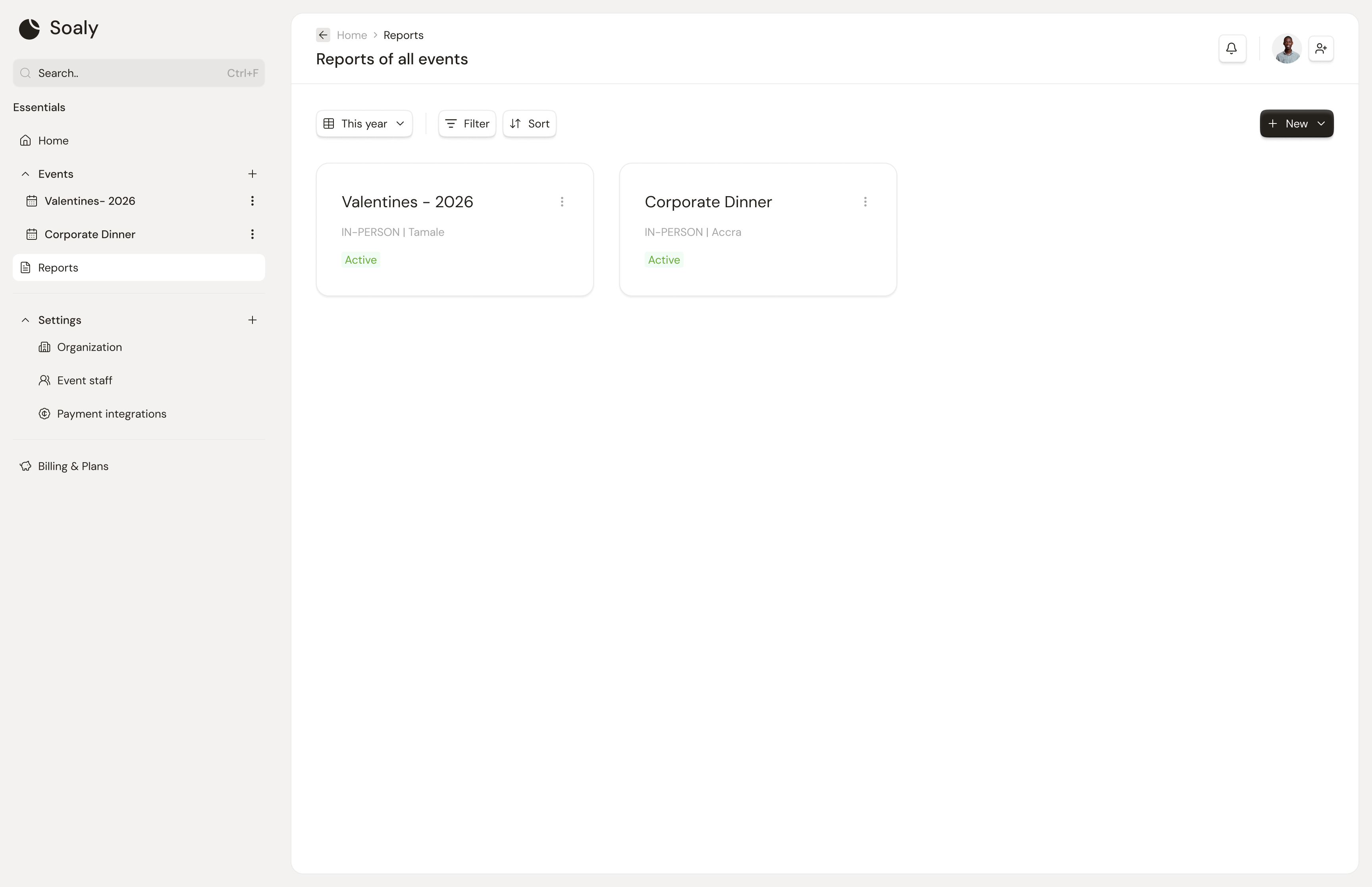
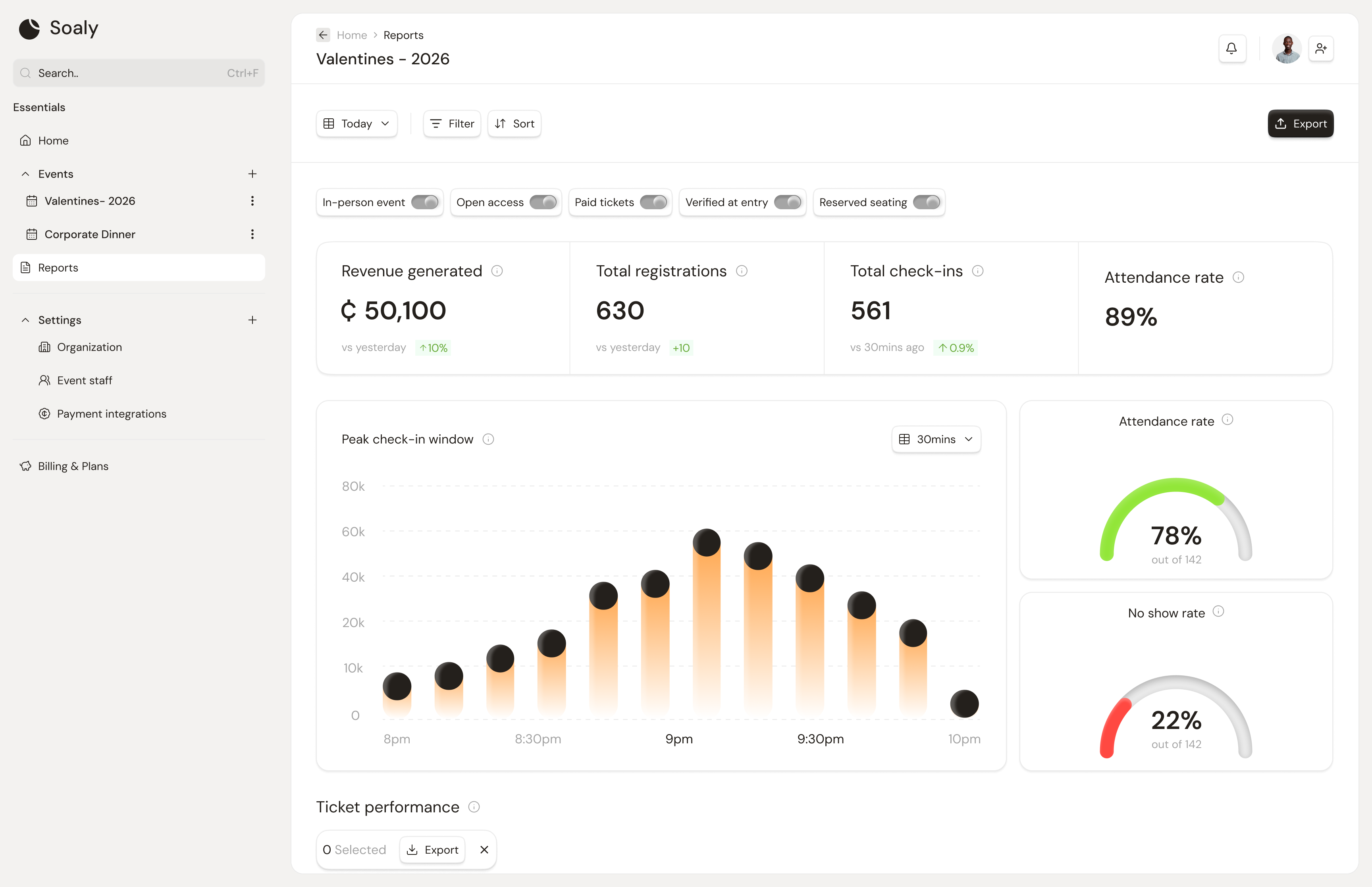
Reports turn raw bookings into a reconciled financial picture per event. Open Reports from the sidebar, pick an event, and you get a breakdown you can save as a PDF for your records or accountant. Figures are derived live from confirmed bookings, so they always tie back to the transaction fee (5% × order total).
What a report includes
| Metric | Meaning |
|---|---|
| Gross revenue | Total paid before fees |
| Transaction fees | The 5% Soaly charged on paid tickets |
| Net revenue | Gross minus the transaction fee |
| Refunds | Refunded amount and refund count |
| Tickets sold | Count of tickets across confirmed bookings |
| Registrations | Total attendees, paid and free |
| By ticket type | Revenue split per ticket |
| By method/provider | Payments split across Paystack / Hubtel |
Scope & access
- Reports cover published and completed events (a draft has nothing to report).
- Visible to owner, admin, editor, and viewer roles - everyone with the
reports:readcapability. - Not visible to the check-in role, which is scoped to the door only.
Need the underlying rows rather than the summary? Export bookings or the transaction-fee history as CSV - see Exporting your data.