Setting up seating
Run open or reserved seating with tables, sections, or seats - each tracked for capacity and exportable.
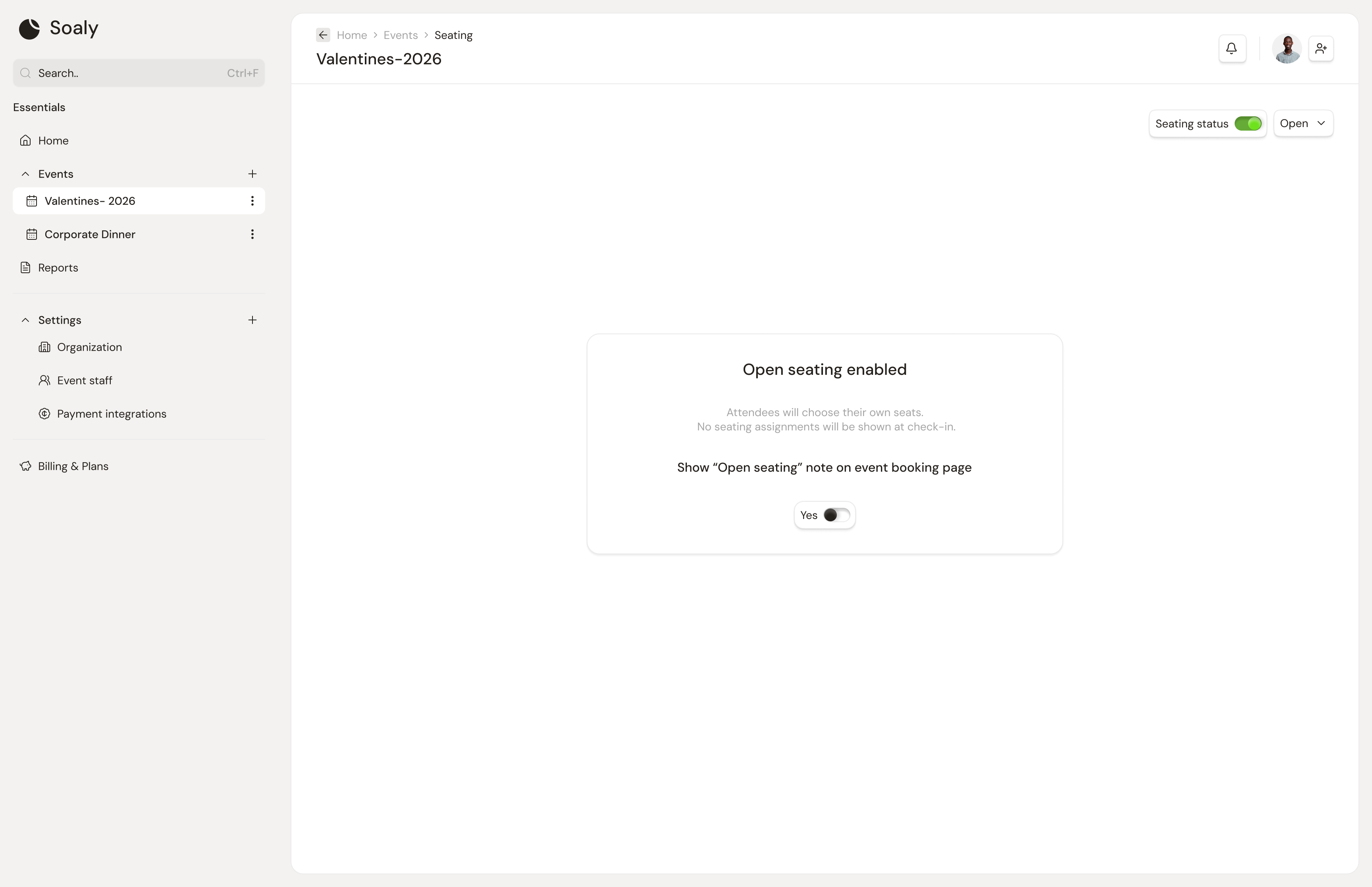
Seating lets you organize where attendees sit, from a loose "sit anywhere" note to a fully assigned floor plan. It's a two-step setup: turn it on in Configure, then build and assign on the Seating tab. Unlike forms and promo codes, seating is available on every plan - it isn't Pro-only.
Open vs reserved
| Mode | What it does |
|---|---|
| Open | No assigned places. Optionally show attendees a note (e.g. "seating is first-come"). |
| Reserved | You create seating units and assign attendees to specific places. |
Pick the mode under Configure → Seating, then manage everything else on the Seating tab.
Seating units
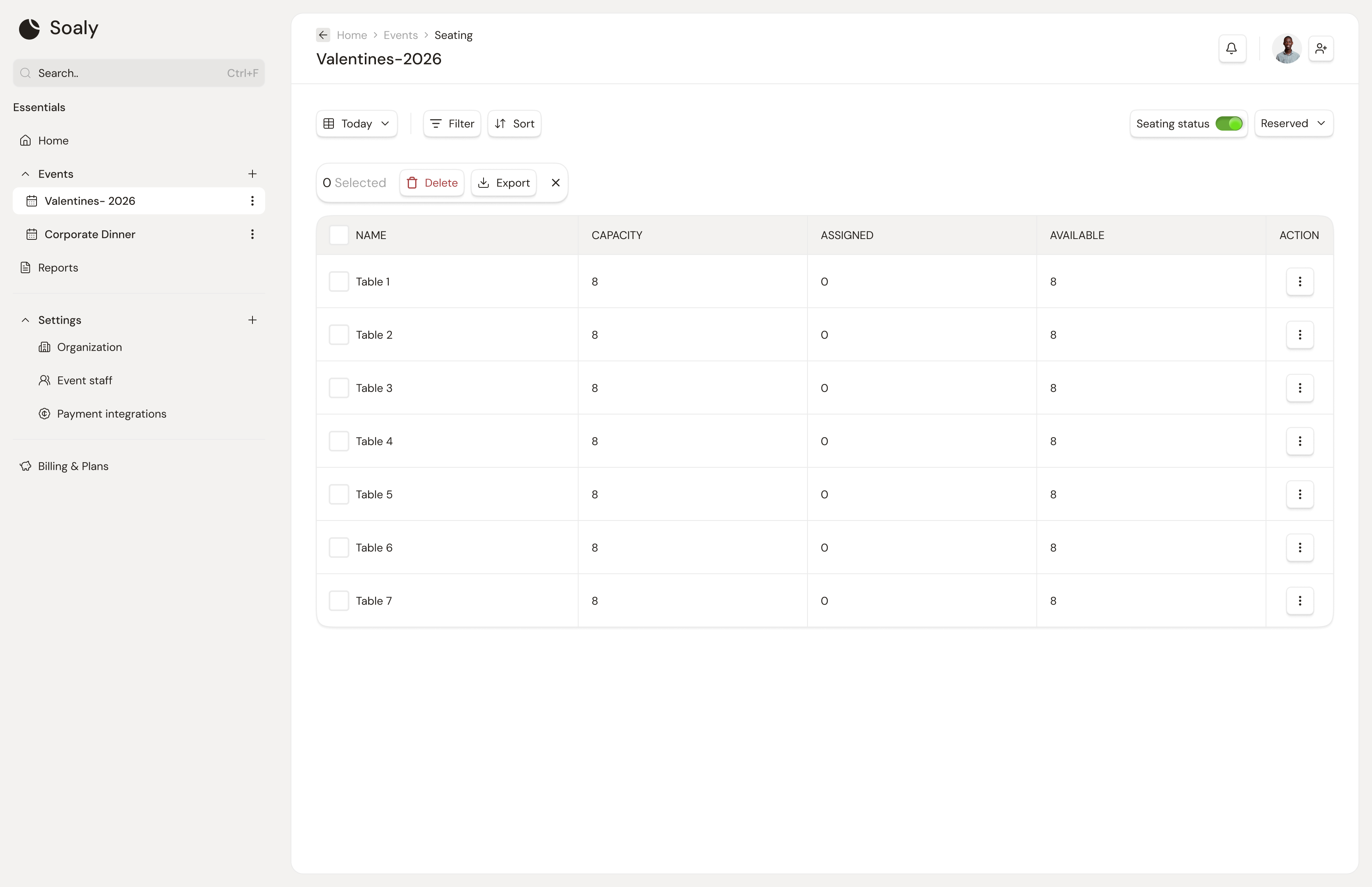
In reserved mode you build your layout from units, each with a name and a capacity:
- Tables - a round/long table that seats a set number.
- Sections - a block or zone (e.g. "Balcony", "VIP left").
- Individual seats - a single named seat.
For each unit Soaly tracks places taken versus available - concretely, available = capacity − assigned. You can add units in bulk and edit or remove them as plans change.
Assignments & export
Assign attendees to units and see, at a glance, how full each one is. Export the whole seating plan to CSV for the door team, ushers, or your venue. See Exporting your data.