The booking page
The public page where attendees register and pay - the full journey and the states it can show.
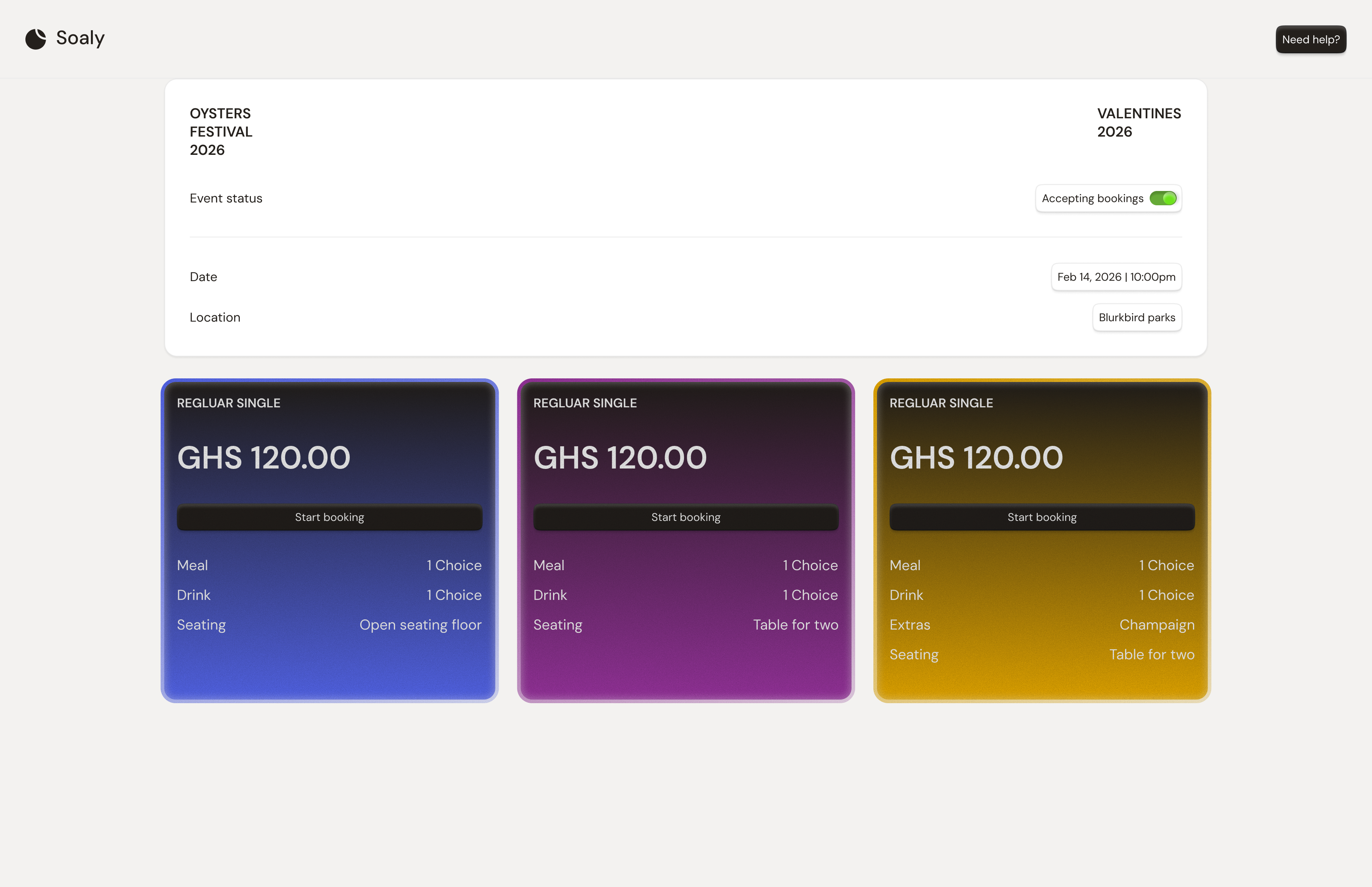
When you publish an event, Soaly hosts a public booking page at the event's URL. It's the only part of Soaly your attendees see, and it's generated from your event settings - tickets, registration form, branding, and dates all flow into it automatically. There's nothing to build separately.
The attendee journey
- 1The attendee opens your booking page and sees the event details, cover image, and available tickets.
- 2They select a ticket and quantity, and can apply a promo code.
- 3They enter their details and answer your registration form, if you have one.
- 4Free / zero-total orders confirm immediately. Paid orders go to Paystack or Hubtel and confirm once payment succeeds.
- 5They receive a confirmation email with their ticket and a unique QR code (plus a receipt for paid orders).
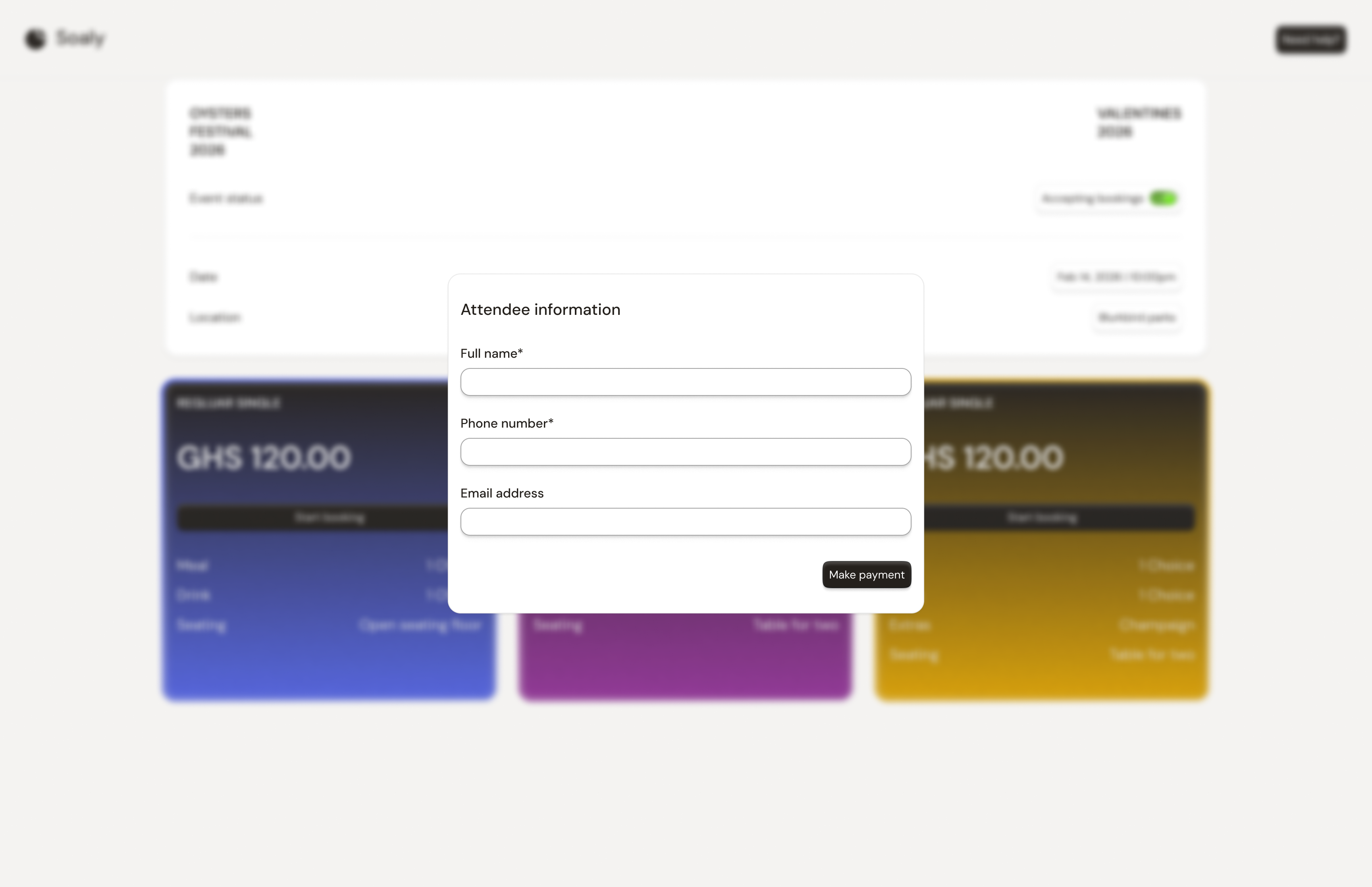
States the page can show
| State | When | What attendees see |
|---|---|---|
| Open | Published, before cut-off, stock available | Normal booking flow |
| Sales closed | Past the sales cut-off | A "Sales closed" message; no new bookings |
| Sold out | Tickets hit their limit or event at capacity | Unavailable tickets; quantities capped |
| Unavailable | Event is draft, completed, or cancelled | The page isn't live |
Guardrails
- Quantities are capped at what's actually available, so attendees can't buy past a ticket limit or the event capacity.
- Pending (in-flight) paid bookings hold their stock, preventing oversell during payment.
- An Invited only access level restricts who can reach the page - see Configuring your event.