Tickets, confirmations & QR codes
How attendees receive their ticket, receipt, and QR code - and how the single-use QR works at the door.
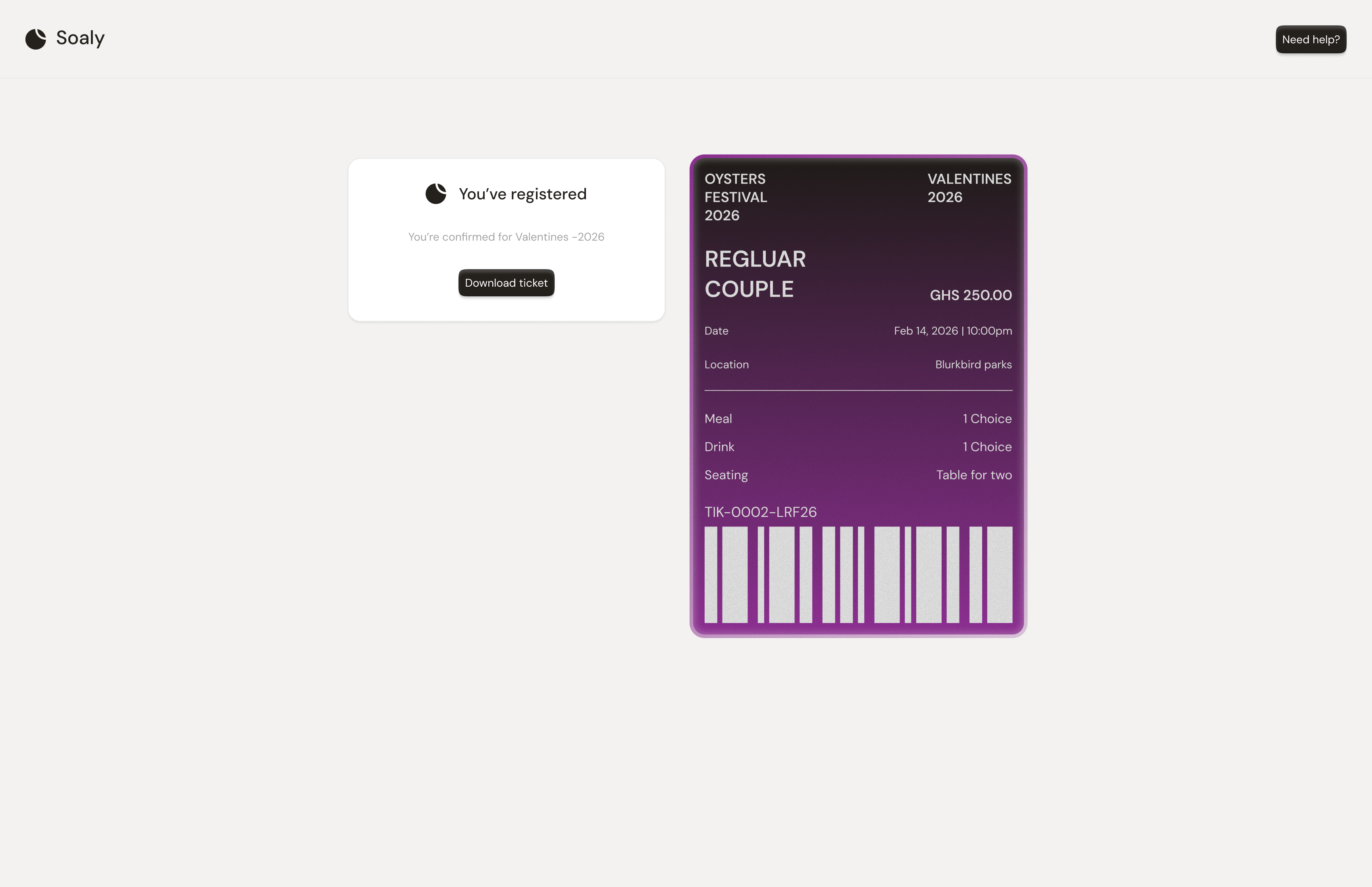
Once a booking is confirmed, Soaly emails the attendee everything they need to attend: their ticket, a unique QR code, and - for paid orders - a receipt. These are generated automatically; there's nothing for you to send.
What's in the confirmation
| Item | When | Contents |
|---|---|---|
| Ticket + QR | Every confirmed booking | The attendee's ticket with a unique, scannable QR code |
| Receipt | Paid bookings only | Organizer, event, payment method, line items, and total |
QR codes at the door
Each QR code is single-use. Scanning it at check-in admits the attendee and marks the code used, so the same ticket can't be scanned in twice. If you admit someone by mistake you can revoke the admission, which makes their QR valid again.
Lost their email?
Resend the confirmation and ticket to any confirmed attendee from the event's bookings list - the QR code is unchanged, so the original ticket still scans too. See Messaging your attendees.