Connecting a payment provider
Connect Paystack or Hubtel to accept paid tickets - who can do it, and how it gates publishing and refunds.
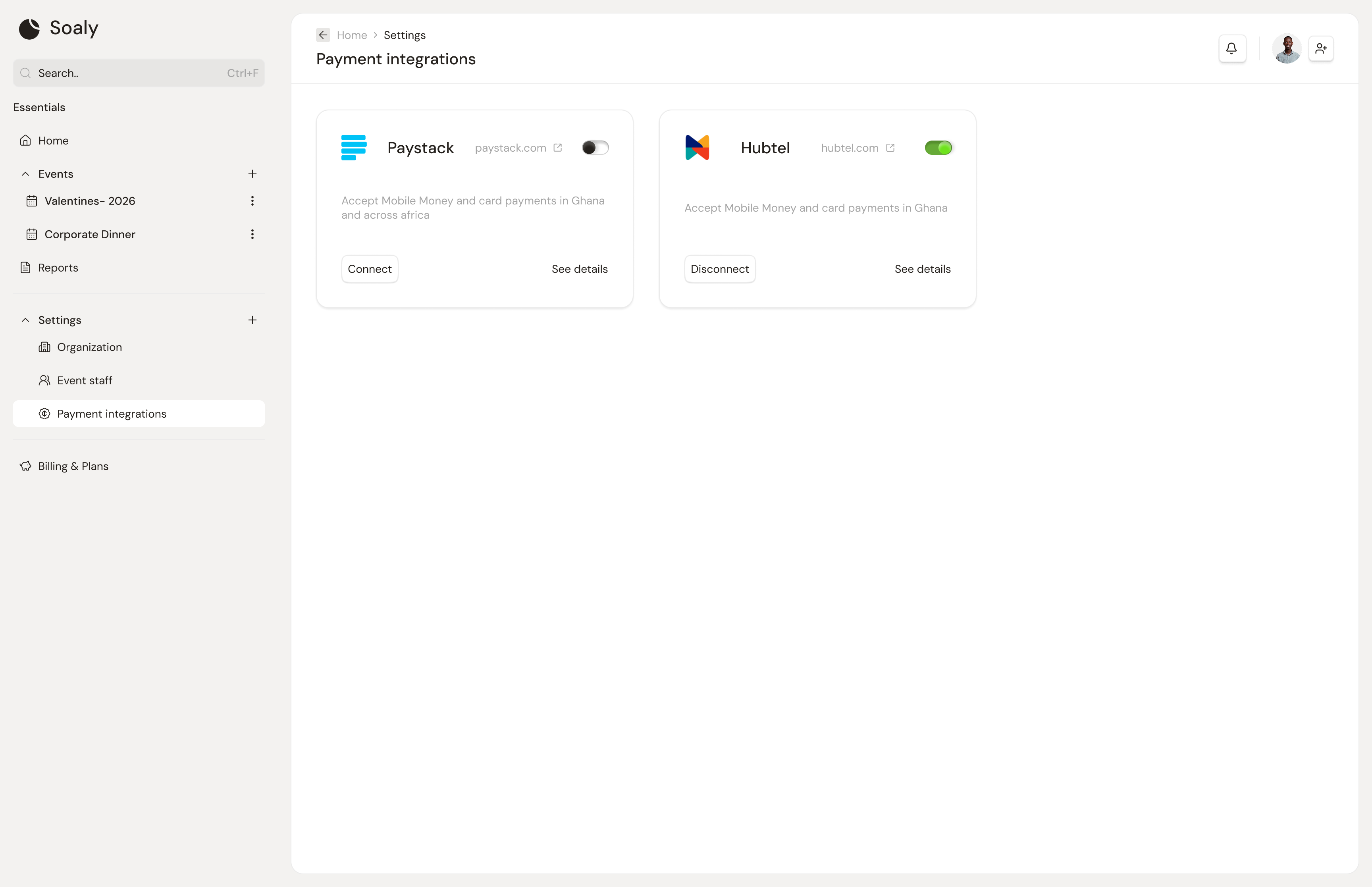
A connected payment provider is the prerequisite for selling anything. Soaly integrates with Paystack and Hubtel, both processing in Ghana cedis (GHS). The connection is stored per organization and grants Soaly permission to charge and refund on your behalf - which is why only owners and admins can manage it.
Connect a provider
- 1Go to Settings → Integrations.
- 2Choose Paystack or Hubtel and follow the connect flow.
- 3Once the integration shows connected, paid events can be published and will accept payments.
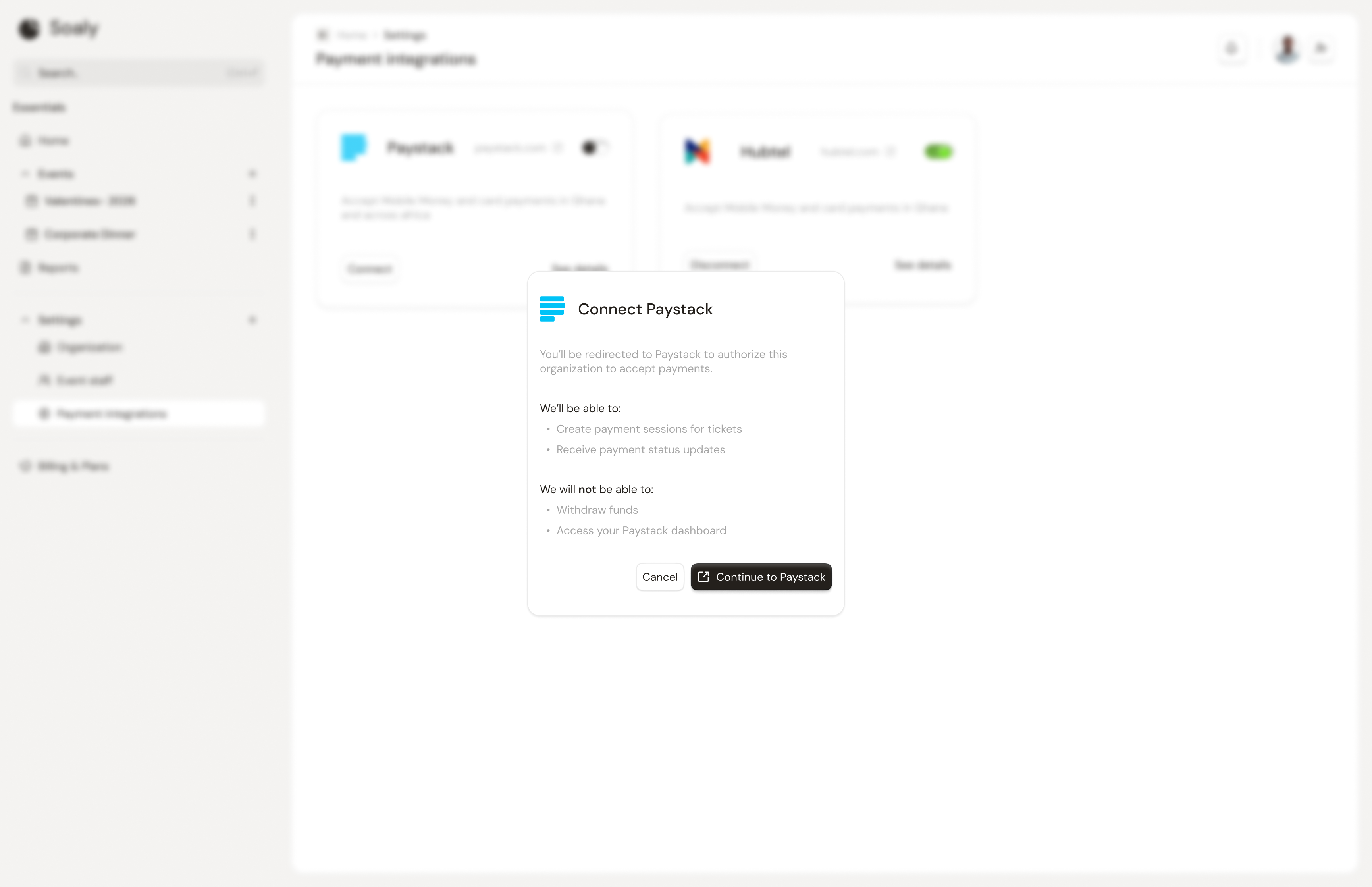
What the connection unlocks
- Publishing paid events - a paid event can't be published without it (Publishing & sharing).
- Taking payment at checkout for paid bookings.
- Refunds - refunds are processed back through the same provider, so it must stay connected (Refunds & cancellations).
Paystack vs Hubtel
| Paystack | Hubtel | |
|---|---|---|
| Sell tickets | Yes | Yes |
| Currency | GHS | GHS |
| Pay for Soaly Pro | Yes - Pro unlocks are billed via Paystack | No - use Paystack to buy Pro |
Only owners and admins can connect or disconnect a provider, since it grants charge access. Disconnecting a provider you've taken money through means you can no longer refund those bookings in Soaly - see Refunds & cancellations.