Inviting your team
Add teammates by email with a role, how the invite/magic-link flow works, and how to manage members.
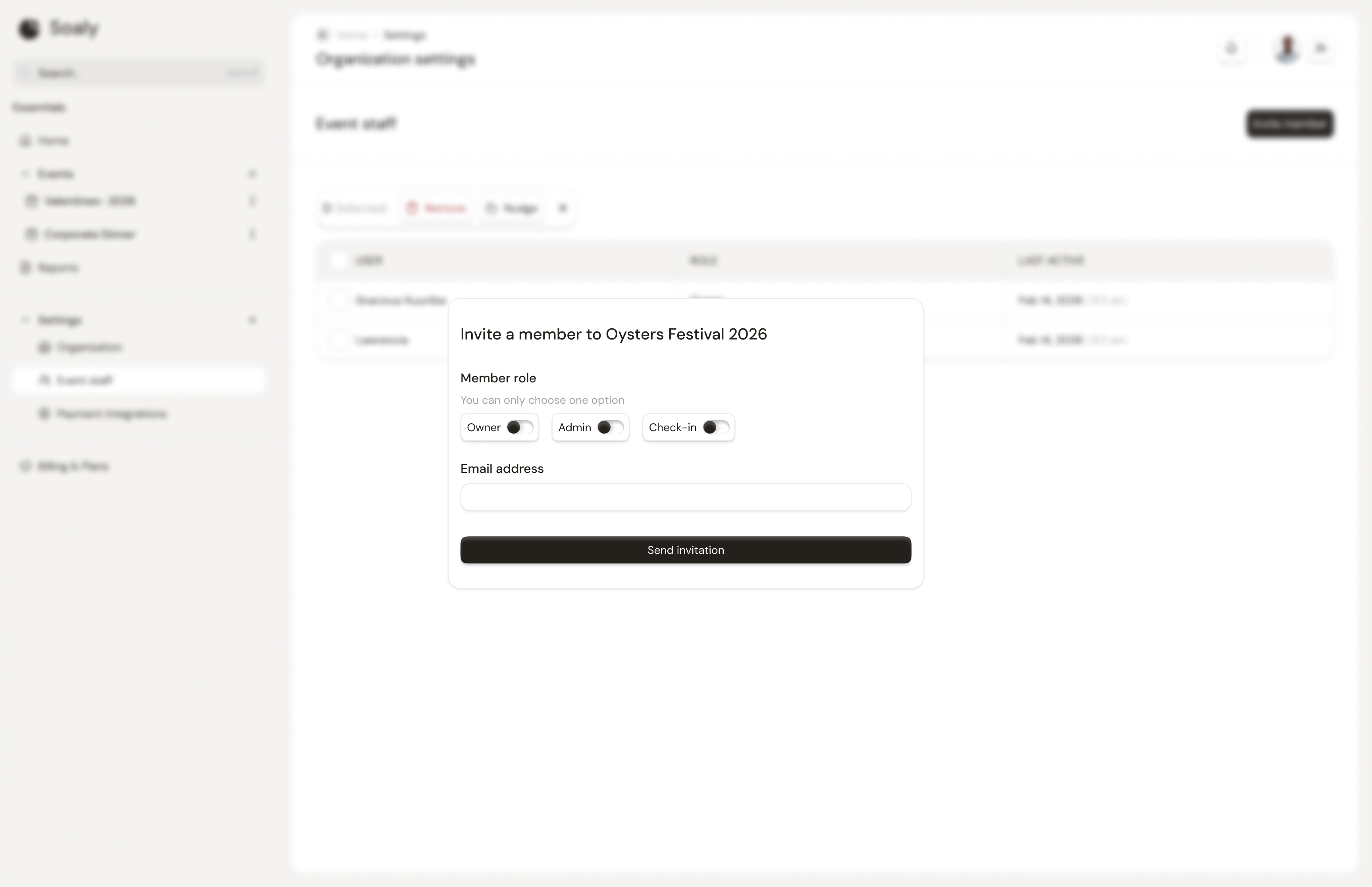
Team management lives at Settings → Event staff and is restricted to owners and admins (the members:manage capability). You invite people by email and assign each a role up front, so access is correct from their first sign-in.
Invite a teammate
- 1Go to Settings → Event staff.
- 2Enter the teammate's email and choose a role - see Roles & permissions.
- 3Send the invite. If they don't already have a Soaly account, one is created and they're emailed a magic link to set a password.
Soaly has no public self-serve signup - accounts are created exactly this way (or via demo approval). Inviting someone is how they get in.
Managing members
| Action | Notes |
|---|---|
| Change a role | From the same page, anytime; takes effect immediately |
| Nudge a pending invite | Resends the invite email |
| Remove a member | Revokes their access - you can't remove yourself |
A pending invite is accepted automatically the next time that person logs in with the invited email address - there's no separate "accept" step to chase.