Roles & permissions
The five roles, the exact capabilities each grants, and how access is actually enforced.
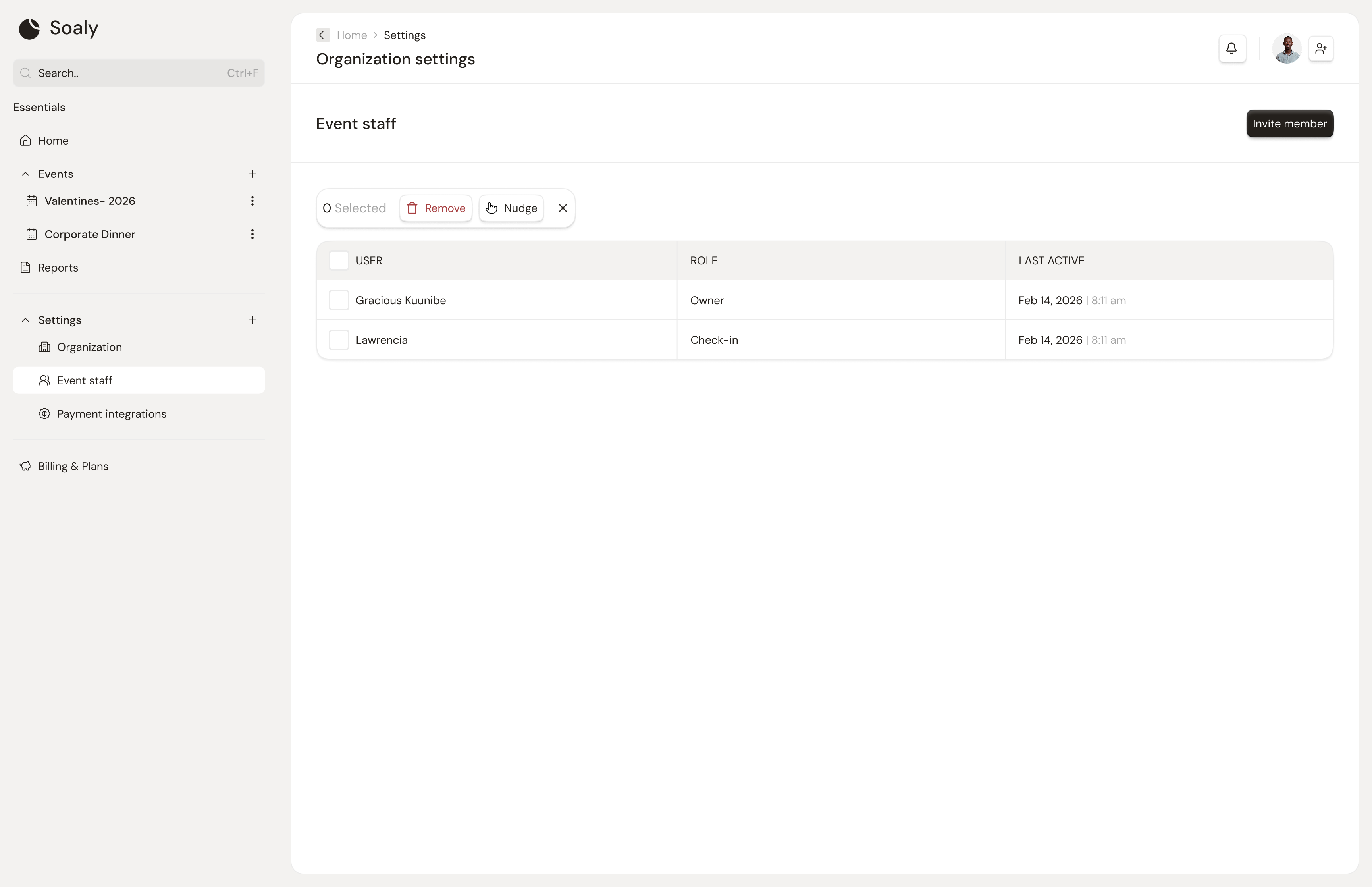
Every member has exactly one role per organization, ordered most → least privileged: owner → admin → editor → check-in → viewer. Each role maps to a fixed set of capabilities; the principle to follow is least privilege - give someone the smallest role that still lets them do their job.
Capabilities by role
| Capability | Owner | Admin | Editor | Check-in | Viewer |
|---|---|---|---|---|---|
| Edit events, tickets, forms, promo, seating | Yes | Yes | Yes | - | - |
| Run check-in | Yes | Yes | Yes | Yes | - |
| View reports & exports | Yes | Yes | Yes | - | Yes |
| Manage team (invite/remove/roles) | Yes | Yes | - | - | - |
| Manage billing & plan | Yes | Yes | - | - | - |
| Connect/disconnect payments | Yes | Yes | - | - | - |
| Org settings (profile, branding, notifications) | Yes | Yes | - | - | - |
| Delete the organization | Yes | - | - | - | - |
Role summaries
- Owner - everything, including deleting the organization. Typically the founder/account holder.
- Admin - everything except deleting the org.
- Editor - builds and runs events (content + check-in + reports), but no team, billing, integrations, or settings.
- Check-in - door staff; admit attendees only.
- Viewer - read-only visibility (reports/attendees); no changes succeed.
How it's enforced
Permissions are enforced in depth, not just hidden in the UI: navigation is filtered to your capabilities, server actions re-check on every write, and the database's row-level security is the final backstop - so a viewer's write fails even if the button were somehow reached.
Use Check-in for door staff at an event and Viewer for stakeholders (sponsors, finance) who need numbers but must not change anything.