Invoices & payment method
Download invoices for your Pro payments and export your transaction-fee history.
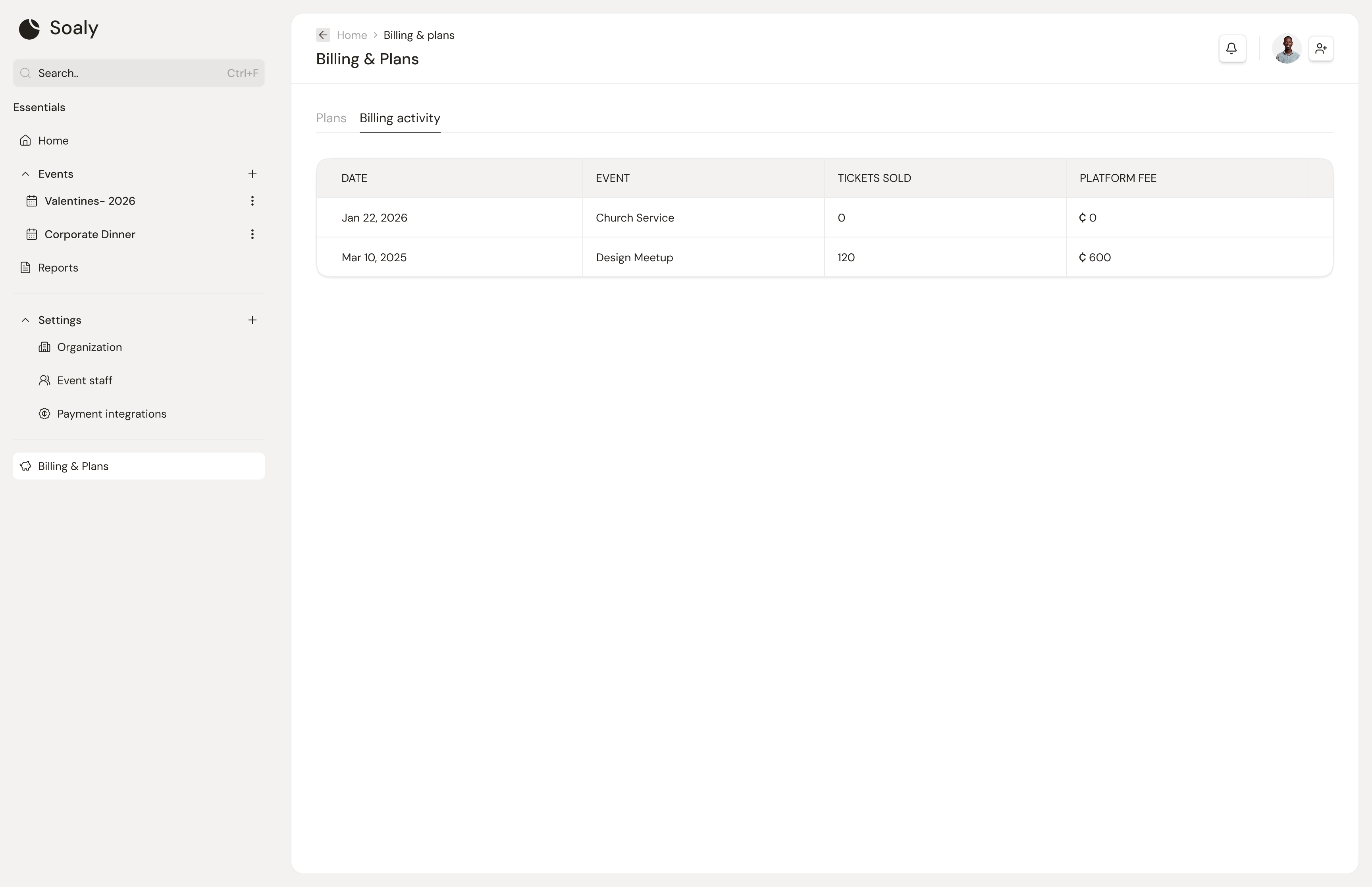
Billing lives under Settings → Plans and Settings → Billing (owner/admin only). Two things you'll do here: download invoices for your Pro payments, and pull your transaction-fee history.
Invoices
Every Pro unlock you buy - event or annual - appears under Recent invoices on the Plans screen, each with a Download button for a clean invoice you can save or send.
Transaction-fee history
Your 5% transaction fees - one entry per paid booking - are listed on the Billing screen and exportable to CSV, for reconciliation against your provider's settlements. See Exporting your data.
Soaly never stores your card. Pro payments happen on Paystack's secure page, so your card details never touch Soaly's servers - and because there's no subscription, there's no card on file to manage.