Organization settings
Your organization's name, timezone, and contact email - and where each one surfaces to attendees.
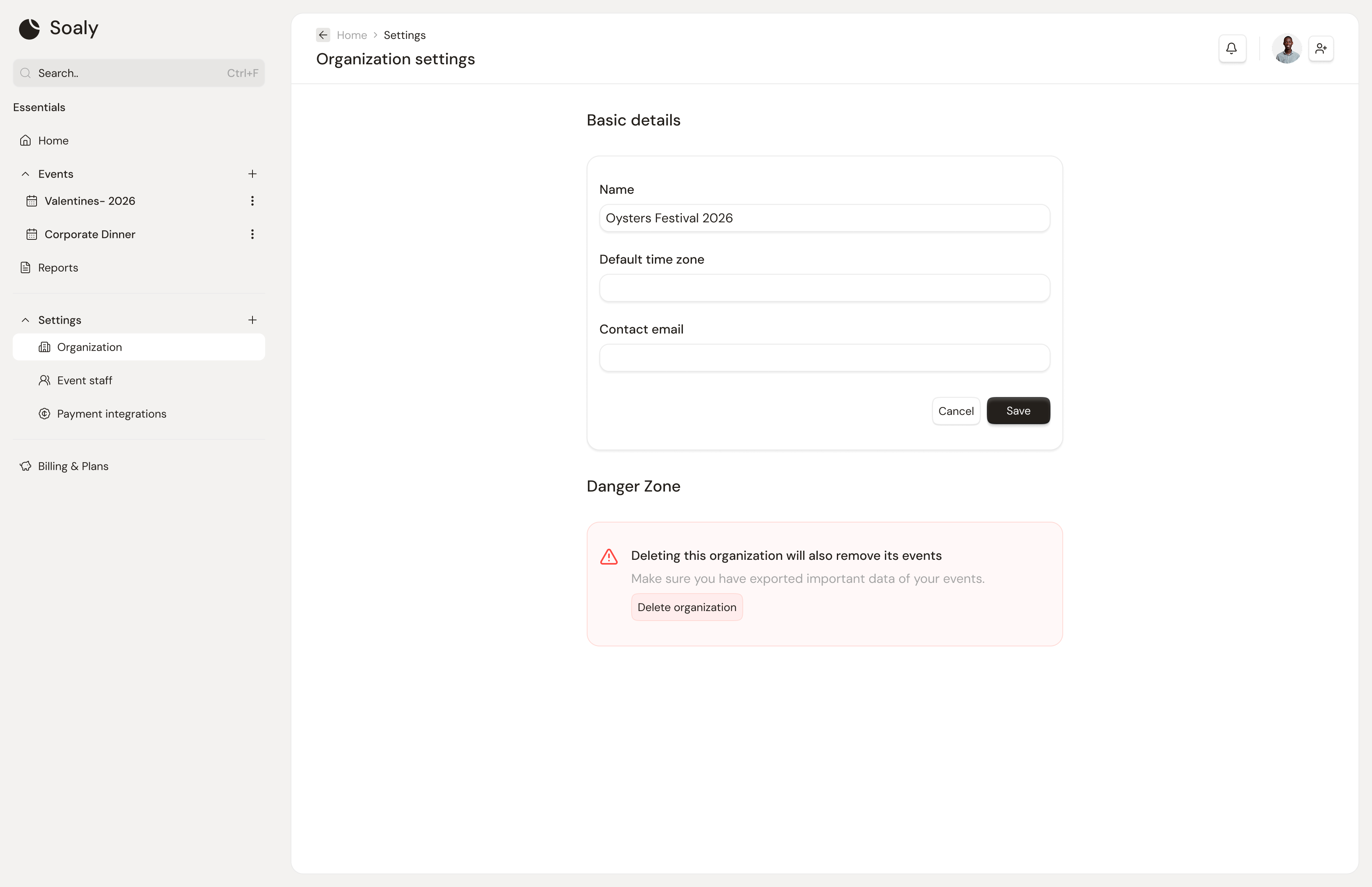
The organization is the root of everything you do in Soaly, and these settings define how it presents to the outside world. Owners and admins manage them at Settings → Organization.
The settings
| Setting | Used for |
|---|---|
| Name | Shown across your booking pages and in attendee emails |
| Timezone | Anchors event dates and sales cut-offs so times read correctly |
| Contact email | The address attendees can reach you at |
Working across organizations
You can belong to and run several organizations. Create another from the org switcher at the top of the sidebar; each keeps entirely separate events, team, payments, and billing. Nothing is shared between them except your personal profile.
Getting the timezone right matters most for the sales cut-off and displayed event times - set it before you publish so attendees see the correct local times. To change how the organization *looks*, see booking-page and email branding.