Deleting an organization
Permanently remove an organization and everything in it - who can, how, and what's destroyed.
This is permanent
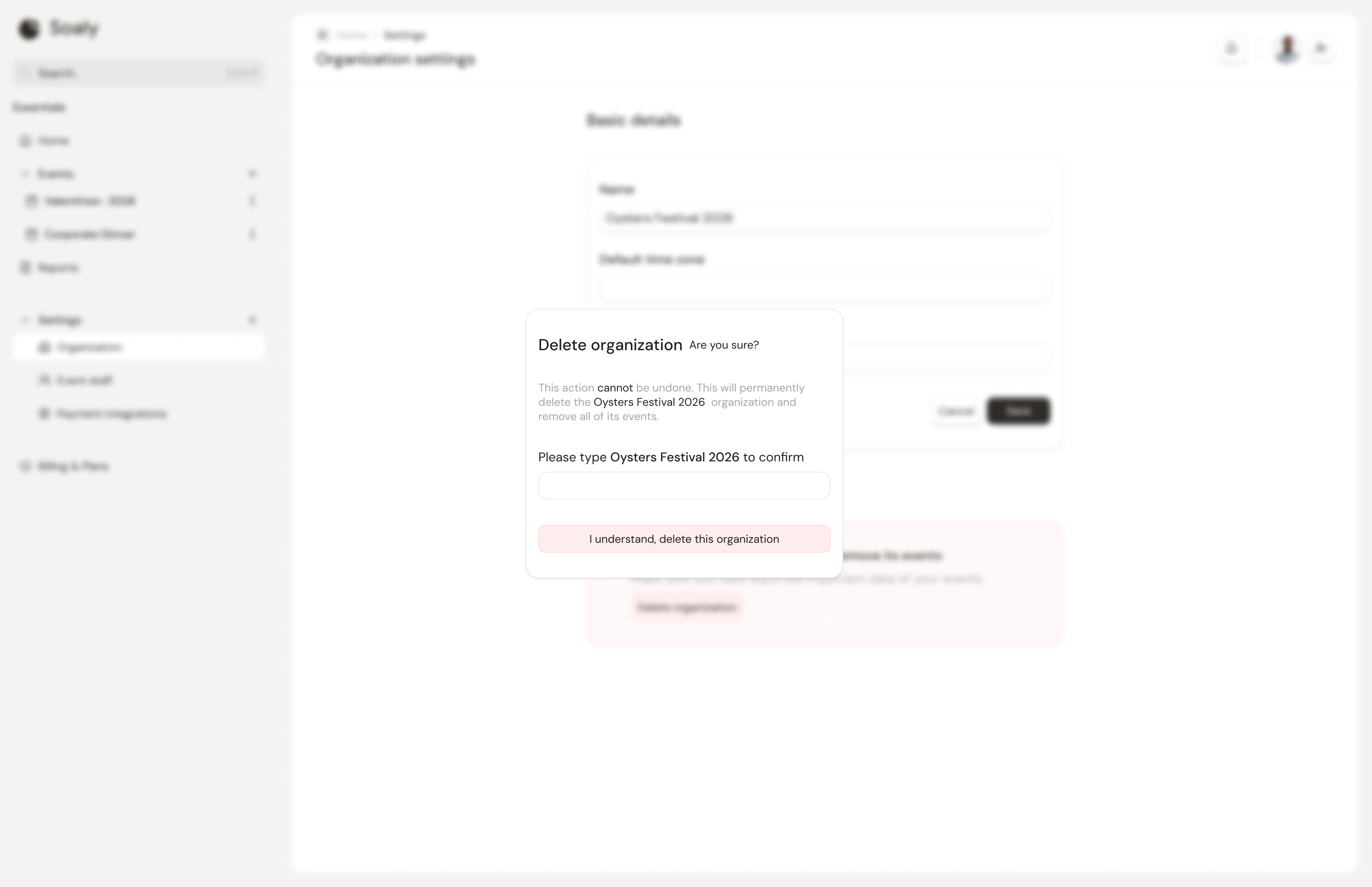
Deleting an organization cannot be undone. It destroys all of its events, tickets, bookings, check-in data, form responses, seating, and team memberships.
Organization deletion is the most destructive action in Soaly, so it's gated to a single role and a confirmation step.
Who can delete
Only the owner can delete an organization - it's the one capability (org:delete) that admins don't have. See Roles & permissions.
How to delete
- 1Go to Settings → Organization.
- 2Choose to delete the organization.
- 3Confirm by typing the organization's exact name - this prevents accidental deletion.
Need the data first? Export bookings, responses, and fees as CSV before deleting - see Exporting your data. If you only want to stop selling a single event, cancel or unpublish it instead.